Stall Tally
A quick sales till for market stalls: tap products to sell, take cash or card, and see the day's takings, best sellers and stock left.
Screenshots
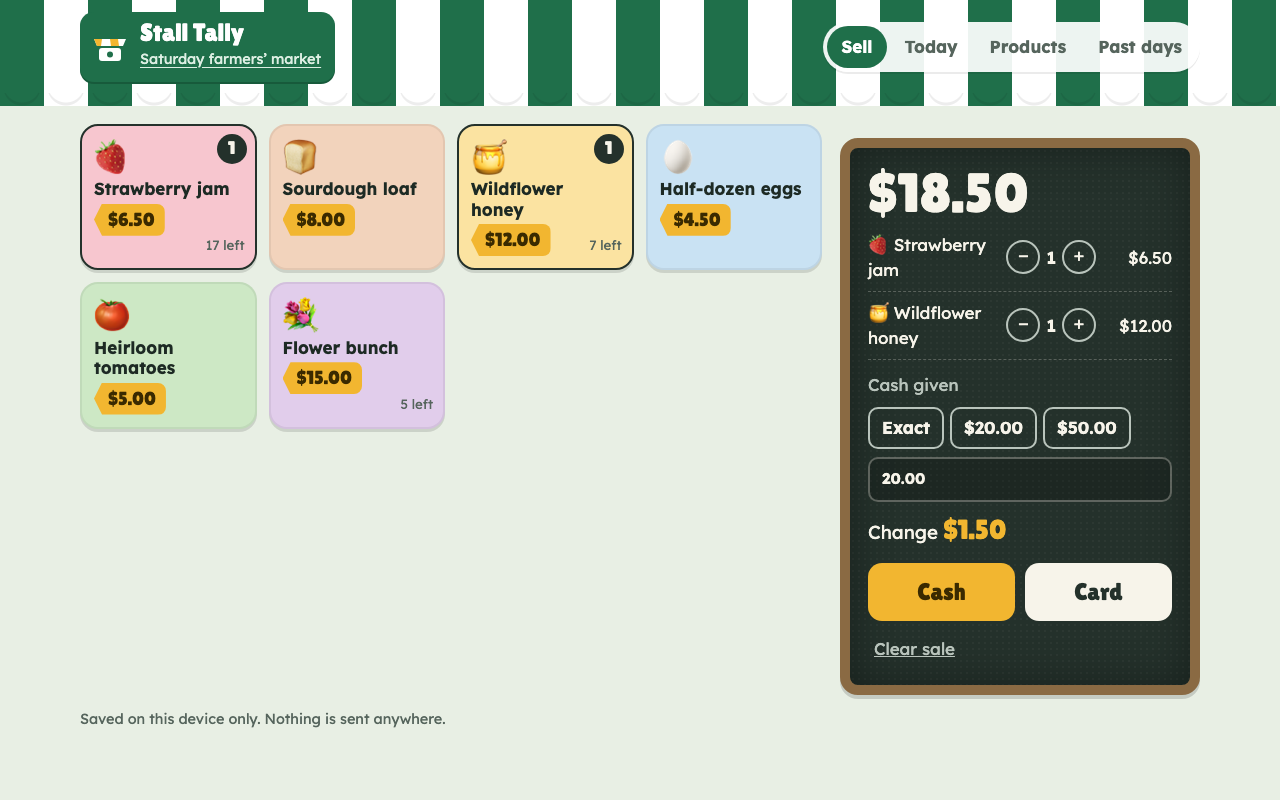
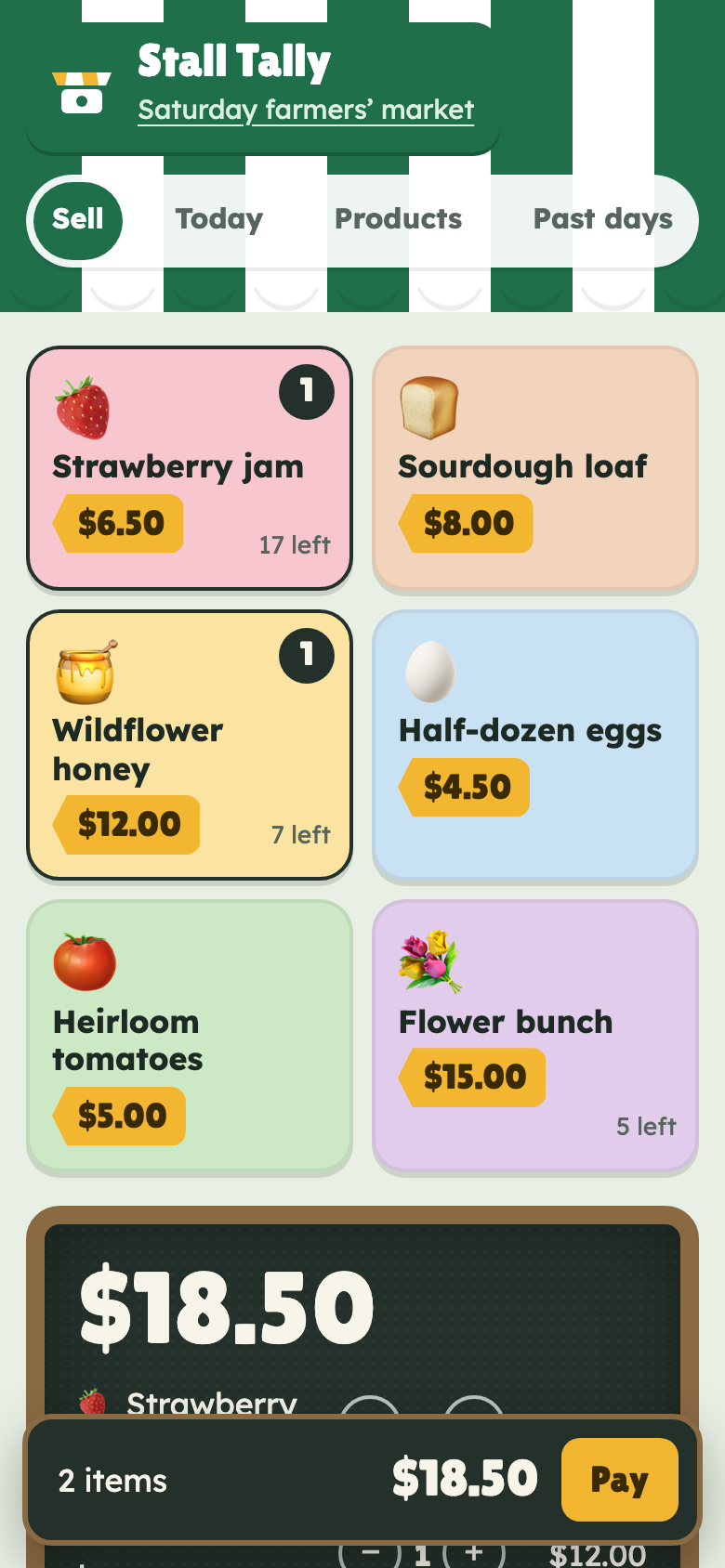
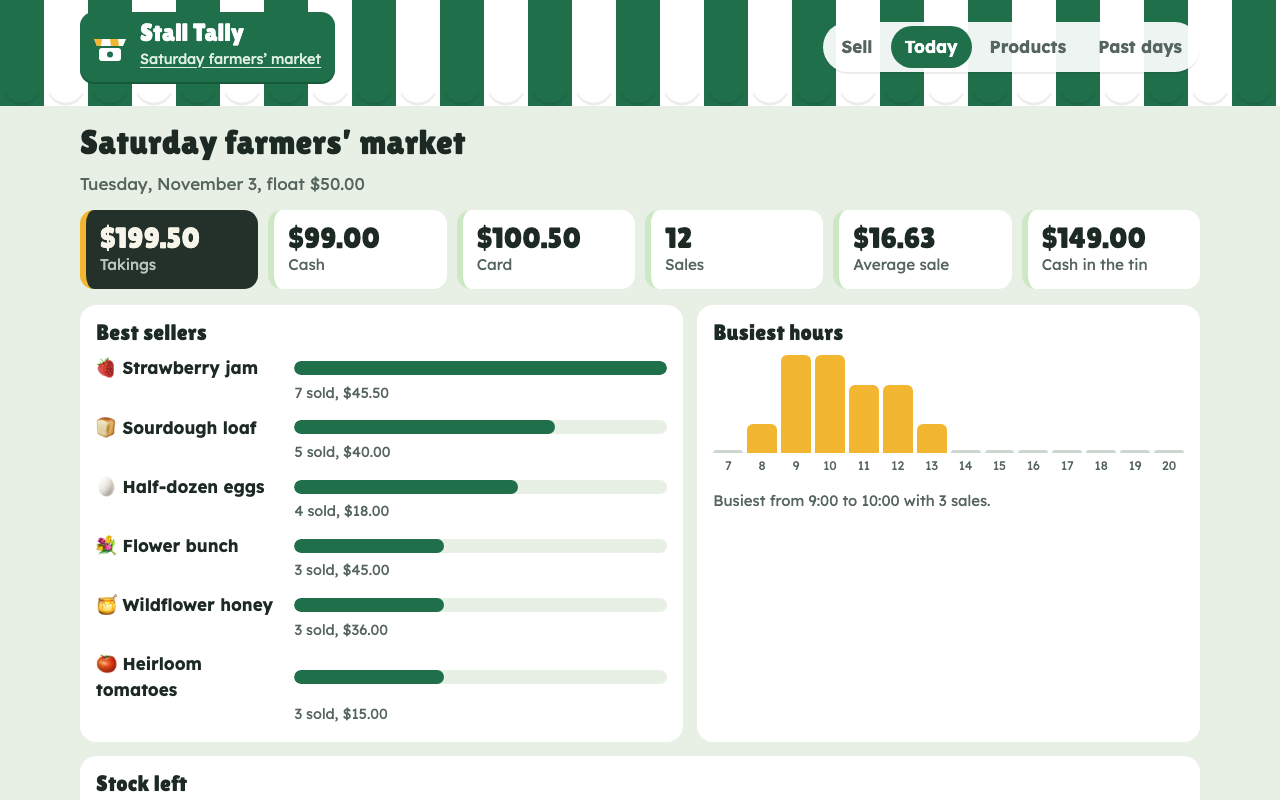
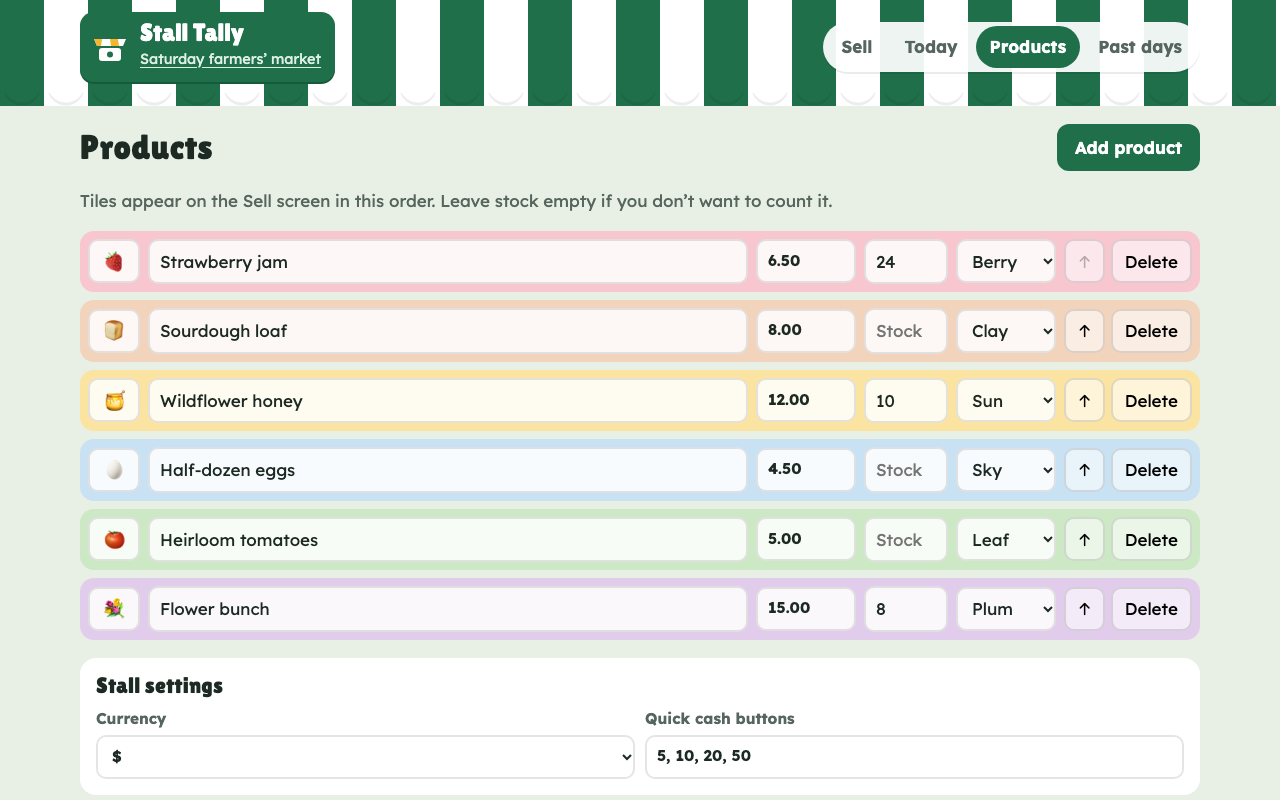
Screenshots supplied by the seller.
Description
Stall Tally is a phone-friendly till for market traders, craft fairs and pop-up shops. Tap colourful product tiles to build a sale, adjust quantities, and record it as cash or card in two taps. For cash, quick buttons work out the change.
The Today screen shows takings, the cash and card split, number of sales, the average sale and how much cash should be in the tin once your float is counted. It also ranks best sellers, charts the busiest hours and tracks stock left for anything you count.
Name each market day, close it at the end of trading to keep it in Past days, and export every sale to CSV. Each sale keeps the price it was sold at, so later price changes never rewrite history.
Built as plain HTML, CSS and JavaScript with no server or running costs, and a distinctive market-stall design. A ready tool for a single stall, or a starting point for a multi-stall product.
Condition
Development stage: Working prototype (seller-declared)
Seller-declared: provided by the seller, not independently verified by SellMyVibe.
- Solo creator
- Mainly AI-generated
- Under one month in development
- Mobile-friendly
- Tests included
- Setup guide included
- Demo available
What works
- Product tiles with emoji, price tag, colour and optional stock
- Basket with quantities, cash or card, and change due
- Undo straight after a sale, or undo the last sale later
- Running total that stays on screen on phones
- Day totals: takings, cash, card, sales, average, cash in the tin
- Best sellers, busiest hours and stock left
- Market days with name, date and float, plus Past days
- CSV export of all sales
- Prices locked in per sale
- 8 tests covering the sales maths
What’s unfinished
- No accounts or syncing: data stays in one browser on one device
- Doesn't take card payments; it records them after you use your own card reader
- No tax, receipts or multi-stall view yet
- Interface is English only
Included assets
Full source code
Test suite
Documentation
Technologies
HTML, CSS, JavaScript (ES modules), localStorage, Node test runner
Setup requirements
Upload the files to any static web host. To try it locally, run python3 -m http.server and open http://localhost:8000. Run the tests with npm test (Node 20 or newer).
Dependencies and ongoing costs
None. It's a static site that runs free on any web host. It loads two free Google Fonts.
Known limitations
Data lives in localStorage on one device; clearing browser data deletes it. A multi-device product would need accounts and a database.
Listings are reviewed for completeness and clarity before publication. Approval is not a guarantee of quality, ownership, security or commercial success. Read the details and ask questions before buying.