Break Even
Find how many sales a month cover your costs, with a clear chart, profit at your expected sales and what-if pricing.
Screenshots
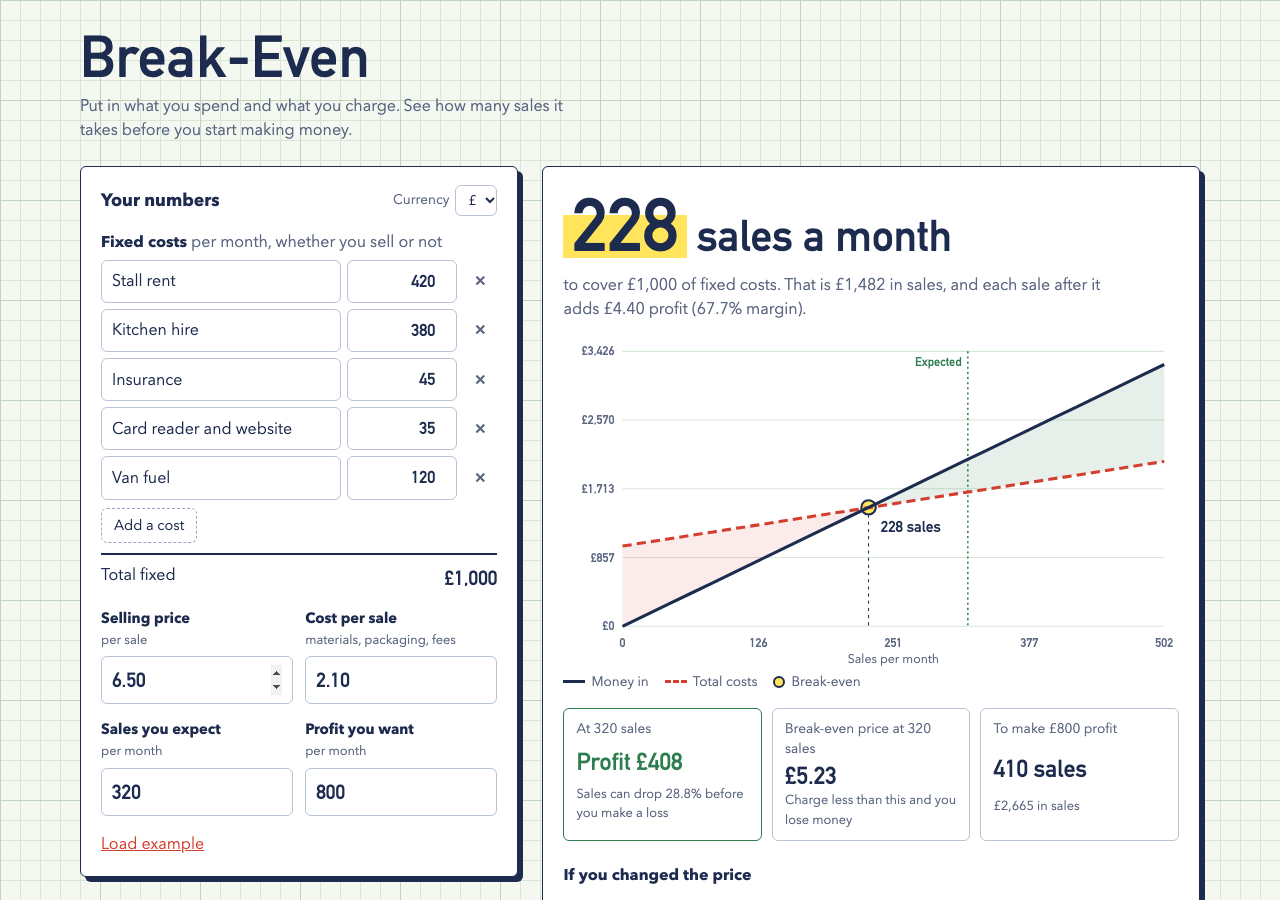
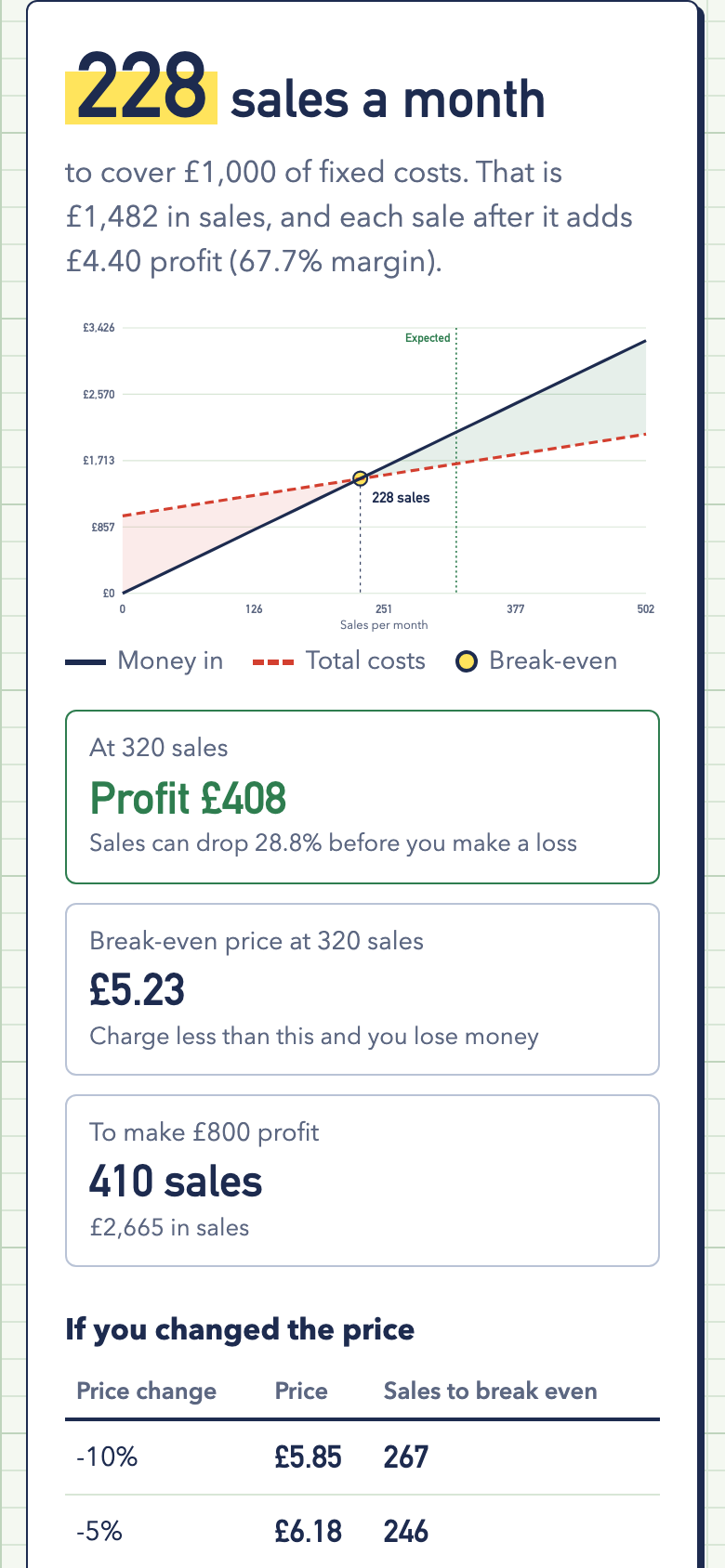
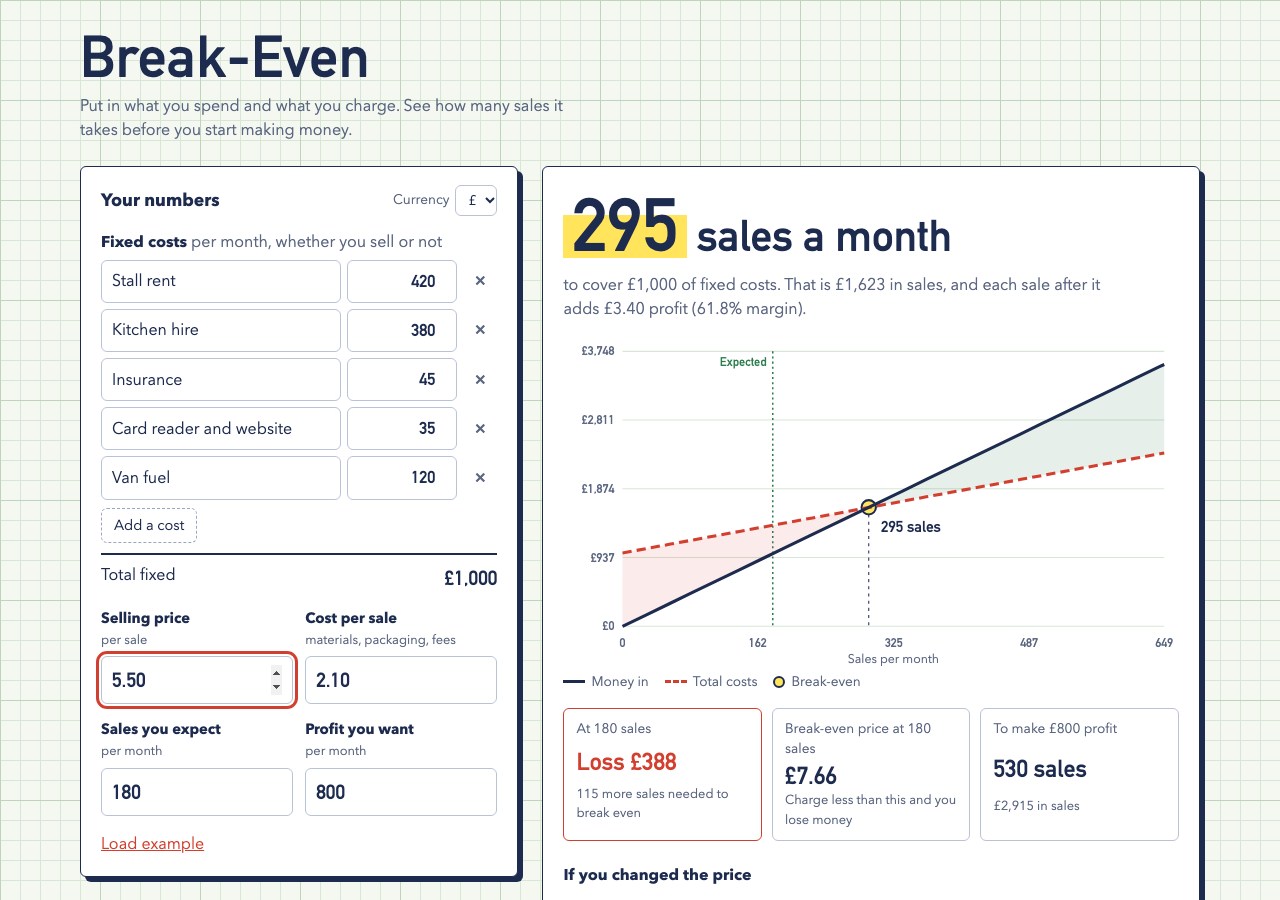
Screenshots supplied by the seller.
Description
Break-Even answers the question every small business owner should ask before setting a price: how many sales does it take to cover my costs? List your monthly fixed costs, enter your selling price and what each sale costs you, and the answer appears straight away as one big number.
A chart shows money in against total costs, with the loss and profit areas shaded and the break-even point marked. Add the sales you expect and it shows profit or loss at that level, how far sales can drop before you make a loss, and the lowest price that still breaks even.
Set a profit goal to see the sales needed to reach it, and a price table shows how break-even moves if you raise or cut the price by 5 or 10 percent. If each sale loses money, it says so plainly and tells you what to change.
Plain HTML, CSS and JavaScript with no server or running costs, in a graph-paper design with £, $ and € support.
Condition
Development stage: Working prototype (seller-declared)
Seller-declared: provided by the seller, not independently verified by SellMyVibe.
- Solo creator
- Mainly AI-generated
- Under one month in development
- Mobile-friendly
- Tests included
- Setup guide included
- Demo available
What works
- Itemised monthly fixed costs with a running total
- Break-even sales and revenue, rounded up to whole sales
- Profit per sale and margin percentage
- SVG chart with shaded loss and profit areas and the break-even point
- Profit or loss at expected sales, with a safety margin
- Break-even price for your expected sales
- Sales needed for a profit goal
- Price change table from -10% to +10%
- Clear message when each sale loses money
- 7 tests covering the maths, chart data and formatting
What’s unfinished
- One product or average sale only, no product mix
- Monthly view only
- No PDF or spreadsheet export
Included assets
Full source code
Test suite
Documentation
Technologies
HTML, CSS, JavaScript (ES modules), SVG, localStorage, Node test runner
Setup requirements
Upload the files to any static web host. To try it locally, run python3 -m http.server and open http://localhost:8000. Run the tests with npm test (Node 20 or newer).
Dependencies and ongoing costs
None. It's a static site that runs free on any web host and uses system fonts.
Known limitations
Figures are saved in localStorage on one device.
Listings are reviewed for completeness and clarity before publication. Approval is not a guarantee of quality, ownership, security or commercial success. Read the details and ask questions before buying.